

⚙️ 06. Data Management & Settings Center (Data & Settings)
Protect your personal privacy and migrate your vehicle records with complete peace of mind.
Car prices, loan details, and household budgets are sensitive financial data. TrueCostAuto strictly adheres to a “Local-First & Absolute Privacy” philosophy, offering robust data backups, appearance customizations, and reliable membership synchronization.
📑 In This Guide
- General Preferences: Multi-Language & Dark Appearance Modes
- Data Management & Privacy Compliance (Backup & Privacy)
- Membership Status & Purchase Restore (Membership & Restore)
- One-Tap Email Technical Support & Transparent Version Info (Support & Version)
1. General Preferences: Multi-Language & Dark Appearance Modes
Tap the Settings tab on the far right of the bottom navigation bar. The top card manages your core visual and localization preferences:
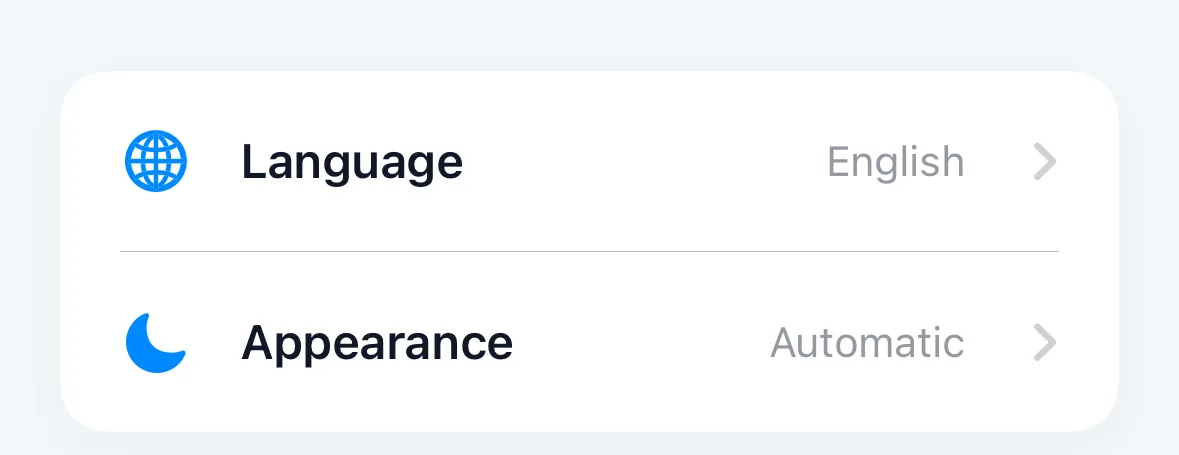
- Language Switching (Language):
- Supports English, Deutsch, Français, Español, 简体中文, 繁体中文, 日本語, and more than 10 global languages;
- Decoupled from regional measurement units, allowing expatriates and travelers to use their preferred native language while benchmarking overseas car markets;
- Appearance Modes (Appearance):
- Automatic: Recommended by default, matching system-wide day/night appearance changes;
- Light Mode: Crisp, high-contrast clarity for daytime driving;
- Dark Mode: Soft on the eyes in low-light environments, reducing OLED battery consumption.
2. Data Management & Privacy Compliance (Backup & Privacy)
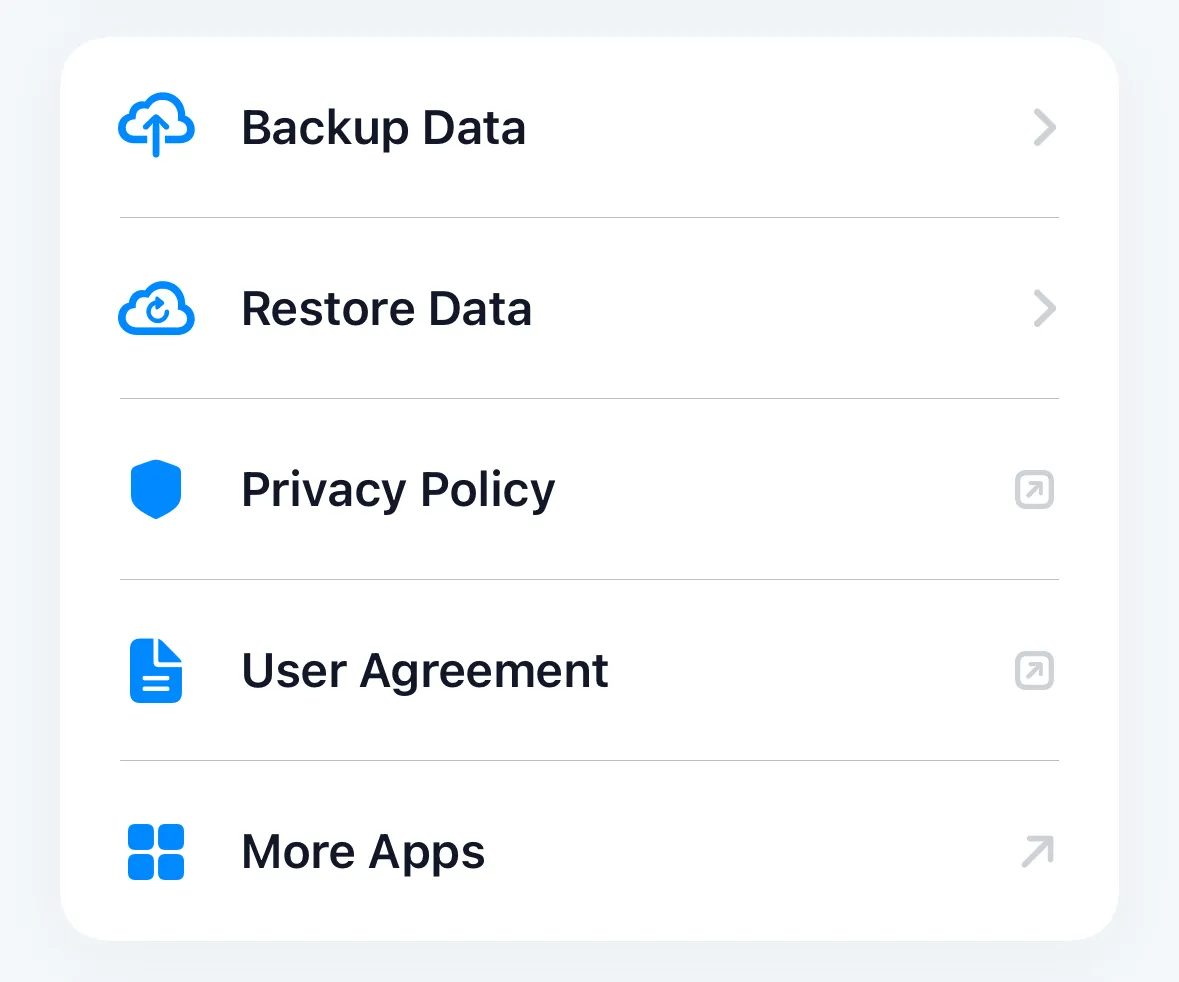
The second section governs profile storage security and data export/import workflows:
2.1 100% On-Device Local Storage Security
- Zero Cloud Uploads: Vehicle names, purchase prices, down payment terms, loan rates, and subjective ratings remain stored exclusively in your device’s encrypted local sandbox;
- No Compulsory Registration: Open the app and begin analyzing immediately—no mandatory phone numbers, email sign-ups, or invasive profile forms;
- Full Offline Capability: Even in subterranean garages, underground auto shows, or in-flight airplane mode, all charts and actuarial calculations load instantaneously.
2.2 Ultra-Compact Backup Engine (Backup Data)
- 70% Footprint Reduction: Backup files record only core mathematical input parameters (vehicle name, negotiated price, consumption, interest rates, and custom factor weights), stripping away bulky cached chart graphics;
- Instant Export: Even with a dozen heavily customized vehicle profiles, exported backup files are only tens of kilobytes in size, easily saved to Apple Files, Google Drive, iCloud, or sent via messaging apps.
2.3 Device Migration & Restore: Dynamic Model Recomputation (Restore Data)
When setting up a new smartphone or reinstalling the app:
- Tap Restore Data and pick your previously saved backup file;
- Dynamic Actuarial Re-derivation: The newly installed app parses your raw inputs and uses the latest calculation engine to dynamically recalculate depreciation tables, TCO dashboards, and radar charts;
- Ensures historical vehicle records instantly benefit from new algorithmic refinements without legacy data corruption.
2.4 Privacy Policy & Ecosystem Expansion
- Privacy Policy & User Agreement: Review transparent legal policies with a single tap;
- More Apps: Discover other crafted utility tools created by the same independent engineering team.
3. Membership Status & Purchase Restore (Membership & Restore)
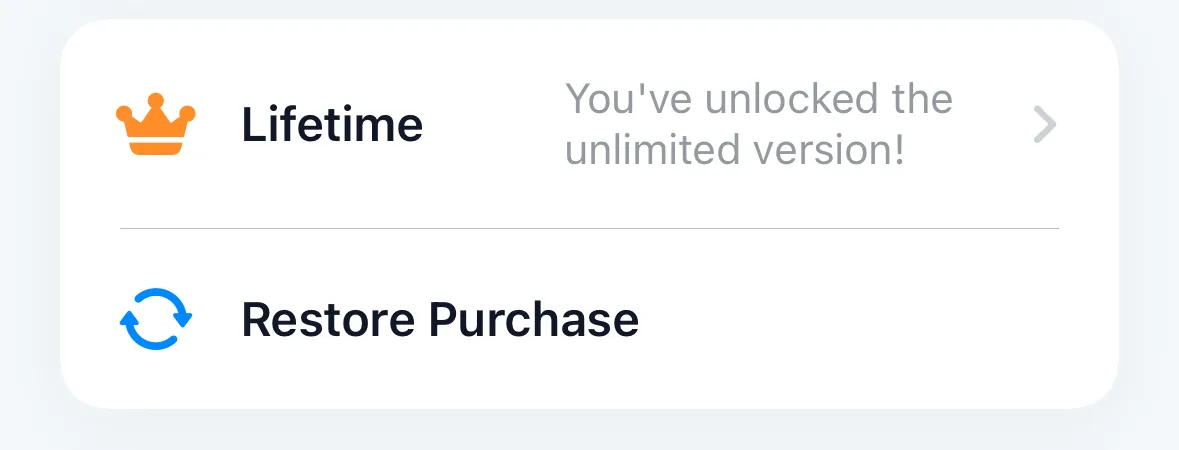
The third card manages your account tier and purchase entitlements:
3.1 Membership Tiers
- Lifetime Pro (Lifetime): One-time payment permanently unlocking unlimited vehicle capacity, multi-vehicle side-by-side PK, and high-precision lifetime sensitivity curves;
- Subscription Pro (Pro): Flexible monthly or annual plans ideal for intensive shopping periods.
3.2 One-Tap Purchase Restore (Restore Purchase)
When migrating to a new phone or activating an iPad/secondary device:
- No need to repurchase—simply tap Restore Purchase;
- TrueCostAuto queries the App Store to verify your receipts and restores your Pro access immediately.
🛡️ 7-Day Offline Grace Period
Understanding that car buyers frequently inspect vehicles in signal-deprived basements or test-drive through remote areas, TrueCostAuto securely caches your purchase token on-device. Even with zero network connectivity, Pro users enjoy a 7-day offline grace period, ensuring critical decision tools are always available.
4. One-Tap Email Technical Support & Transparent Version Info (Support & Version)
The bottom section provides a direct line to our development engineering team:
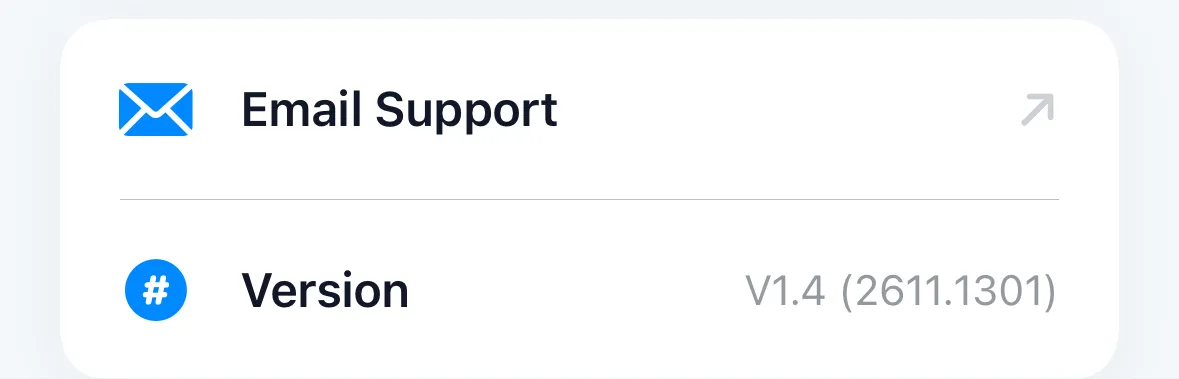
- One-Tap Email Technical Support:
- Tapping launches your system email client;
- Auto-Attached Diagnostics: The email draft automatically attaches your App internal build number and operating system environment (e.g.,
V1.4 (2611.1301) / iOS 17.5), eliminating manual version lookups;
- Transparent Version & Build:
- The software version and build identifier (e.g.,
V1.4 (2611.1301)) are displayed clearly at the bottom of the screen.
- The software version and build identifier (e.g.,
Having mastered settings and data security, read our answers to frequent owner queries in 07. Frequently Asked Questions (FAQ).